
The happy social app just for people who adore their husband or wife
An iPhone app where you post, anonymously, what you love about your husband or wife, and readers respond with warm reactions. Those sweet moments that feel too much for your usual social media? Here, gush as much as you like.
No sign-up or login needed. Free to use.
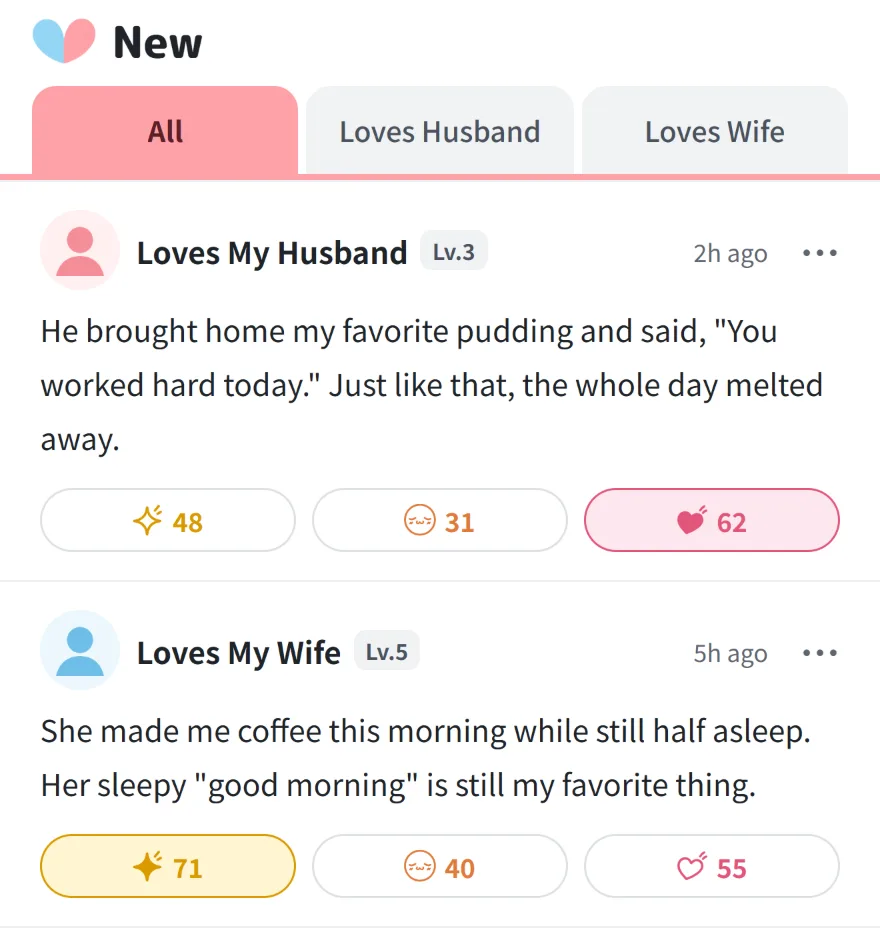
How it works
-
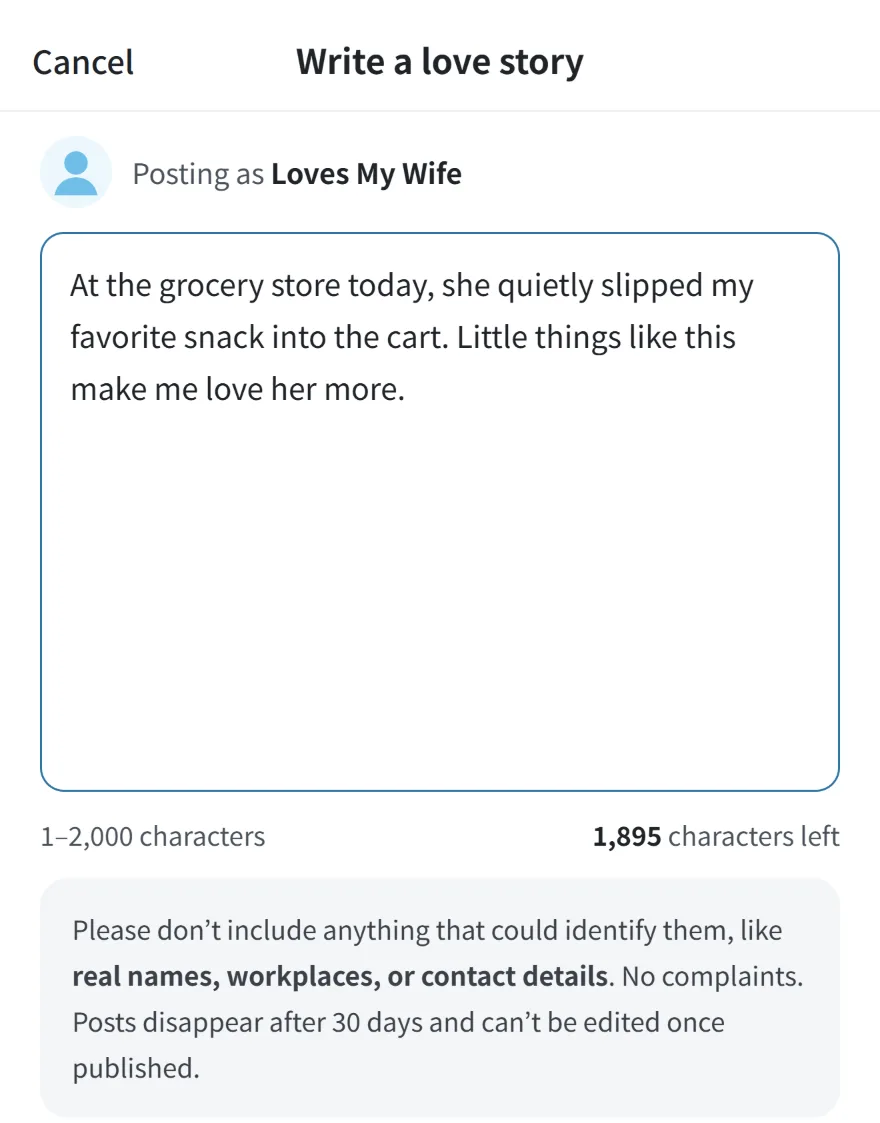
Write a love story
Write about something you love in your husband or wife, or a happy moment. You appear only as “Loves My Husband” or “Loves My Wife.”
-
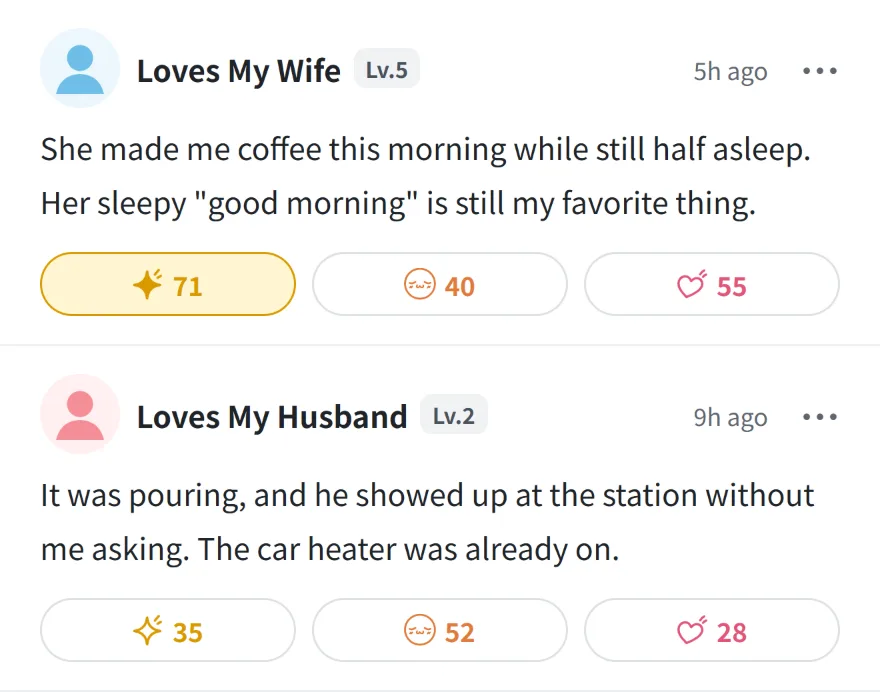
Get reactions
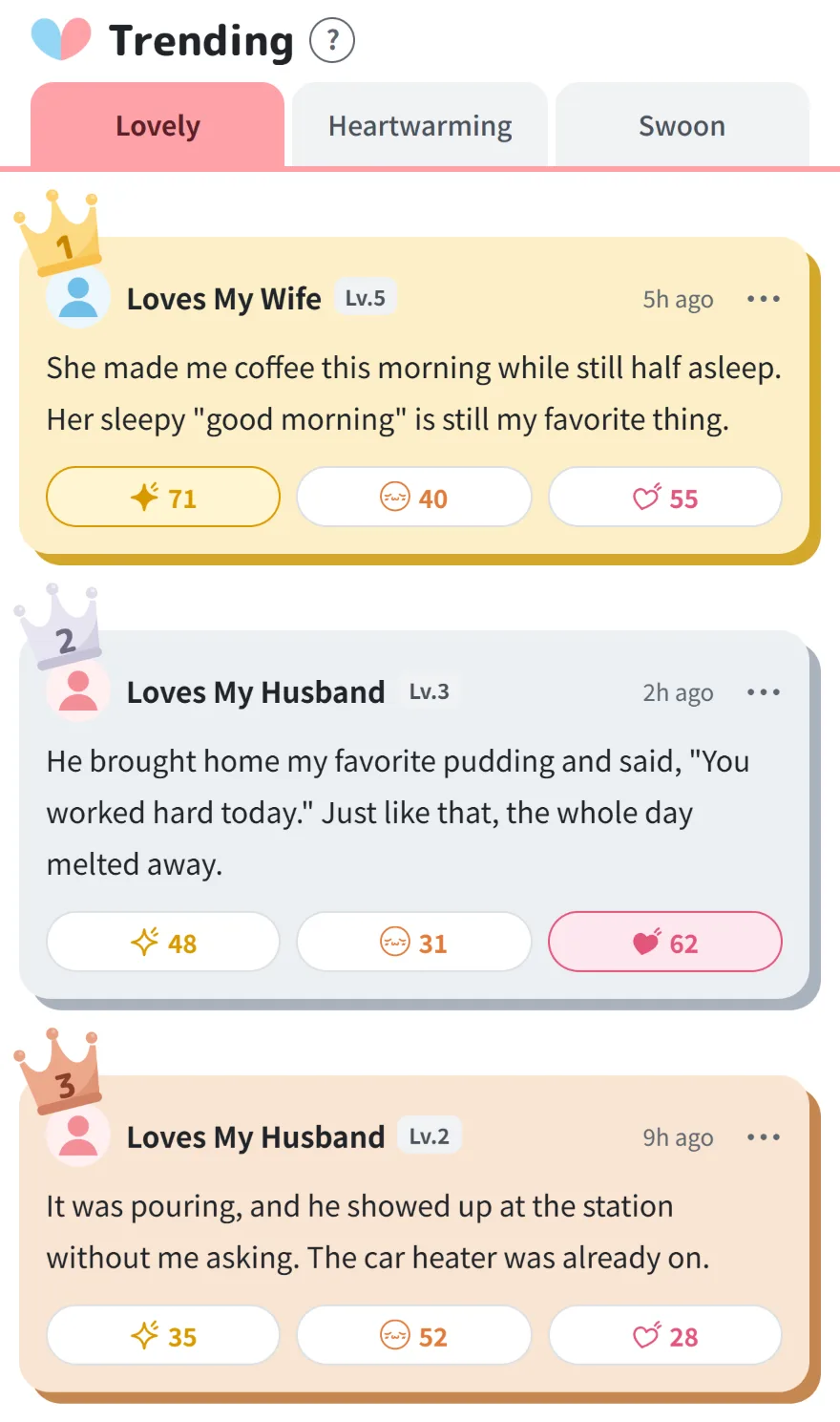
Readers respond with Lovely, Heartwarming or Swoon, once each. No comments, no follows, just kind feelings.
-
Make it to Trending
For each reaction, posts from the last 3 days are ranked from 1 to 50, and the top 3 wear a crown. You get a push notification only when your post reaches the Top 10, the Top 3 or No. 1.
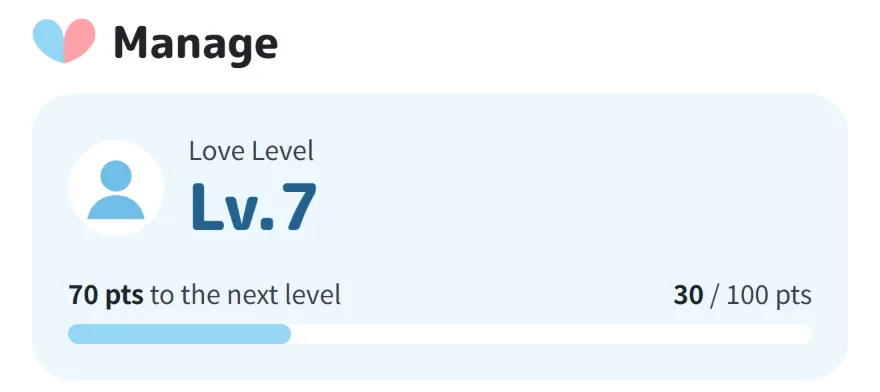
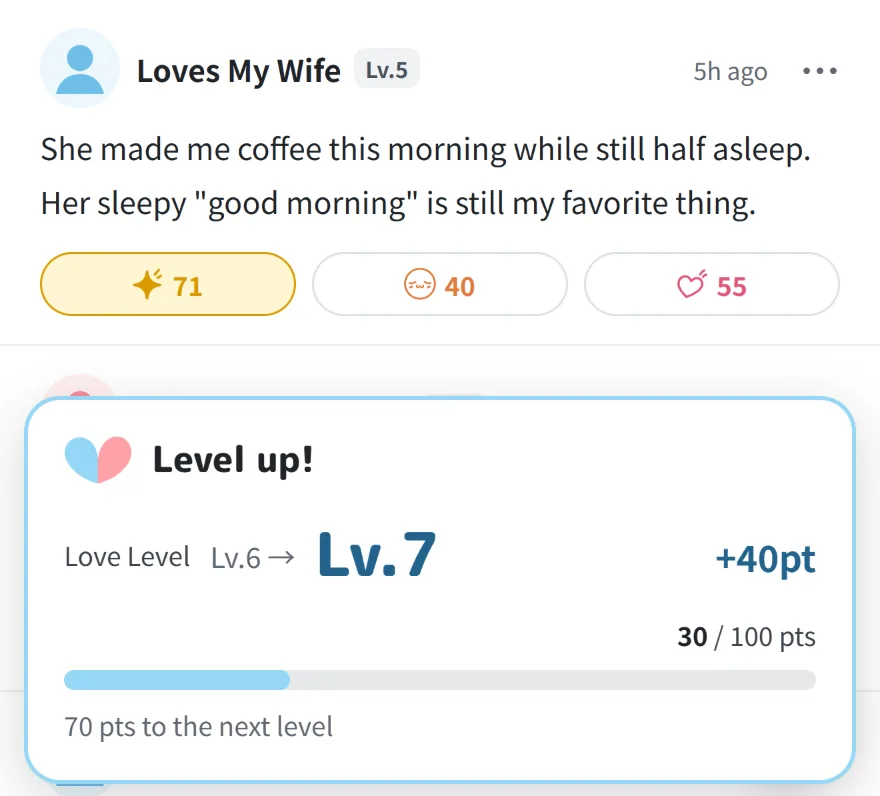
Love Level
The more love stories you post, the higher your Love Level climbs. It’s a way to build up all the love and happiness you’ve felt.
A safe, kind place
Anonymous and easy
No sign-up, no login, no nicknames or profiles.
Posts disappear after 30 days
Share the happiness of the moment without overthinking it.
Love stories only
No complaints, harassment, dating, or personal details such as real names, workplaces or contact info.
Report and block
Tap “…” on a post to report it. You can also block the poster.
For ages 18+
Only married users can post.
Frequently asked questions
Is it free?
Yes. Ads appear within the New and Trending lists, and you can hide them with the “Remove ads” monthly plan.
Will my name or profile be shown?
No. There’s no sign-up or login, and you appear only as “Loves My Husband” or “Loves My Wife.” No nicknames, no profiles.
Who can post?
Married people aged 18 or older who love their husband or wife. If you’re not married, you can still join as a “Quiet supporter” to read and react.
How long do posts stay up?
Posts disappear automatically 30 days after they’re created. You can also delete your own posts before then.
How is Trending decided?
For each of Lovely, Heartwarming and Swoon, posts from the last 3 days are ranked from 1 to 50 by count. When counts are tied, the newer post comes first.
How do I delete my data?
In the app, go to “Manage” → “Delete my data” to delete all of this device’s data. This can’t be undone. To cancel the monthly plan, use your App Store settings.
For more questions, see the Support page.